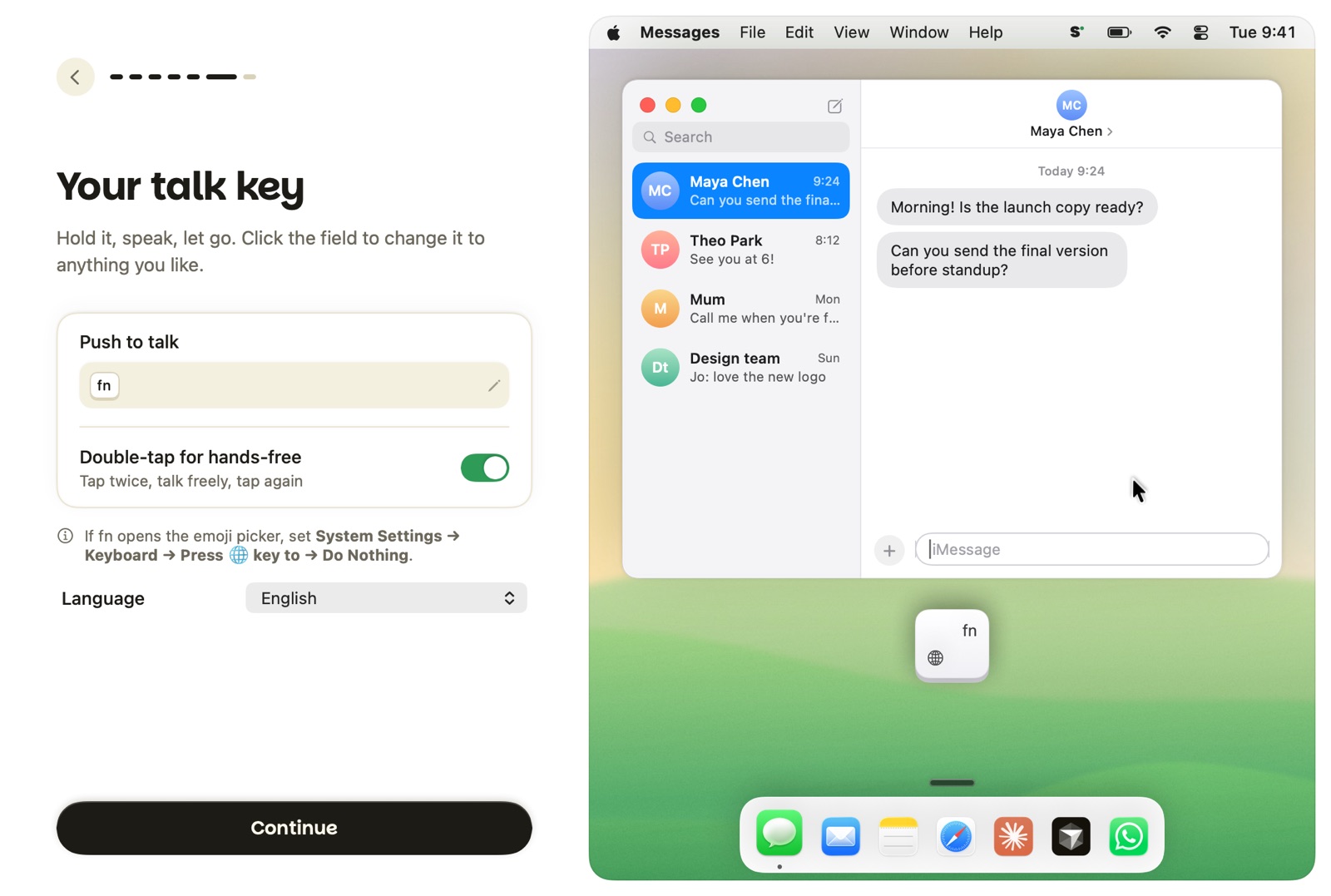
Most people speak about four times faster than they type. Sotto turns that into finished text, wherever your cursor is.
⌨︎
Hold fn and talk
Let go and your words appear, punctuated and cleaned up. Double-tap fn to keep talking hands-free.
⚡︎
Text in a blink
Audio streams while you speak, so text lands about 0.2 seconds after you stop.
✎
Edit with your voice
Select text, hold fn + ⌃ and say “make this friendlier” or “turn it into bullets”.
◎
Knows where you're typing
Prompts for coding agents, replies in Slack, proper emails in Gmail. Formatted for each.
Claude CodeCodexCursorChatGPTGmailSlack
✓
Says it how you say it
Your dictionary, snippets and style per app. Fixes “scratch that” and “um” for you.
🔒︎
Private by design
Run fully on your Mac, or bring your own Groq key. No account. History stays on your Mac.